
Introducing the new home for the core command-line utilities I've written while developing things over the last few years.
Hello World!
In the previous post, Curses!, I introduce a hello world written using CTK. That was pretty neat but not really a real-world sort of thing of course.
So, what is a good real-world example of CTK? Well, let's start with something
most Go developers do regularly with their go.mod based projects: update
dependencies.
There are of course other command-line solutions to this problem, however the one I'd been using had a few user-interface issues that, while the program did in fact do a good job updating things, made it weird to use. The biggest gripe would be that when you make selections as to what modules to update, the user interface would be printed out all over again leaving a trailing wake of screen updates.
Eventually I found the time and wrote a little updater myself.
go-mod-update
Installation
To install the latest version:
> go install github.com/go-coreutils/go-mod-update/cmd/go-mod-update@latest
Once installed, calling it with --help gives you this:
> go-mod-update --help
NAME:
   go-mod-update - go.mod update

USAGE:
   go-mod-update [options] [/source/paths ...]

VERSION:
   v0.3.0 (trunk)

DESCRIPTION:
   command line utility for updating golang dependencies

GLOBAL OPTIONS:
   --direct, -d               specify the GOPROXY setting of "direct" (overrides --goproxy)
   --goproxy value, -p value  specify the GOPROXY setting to use
                                (default: "https://proxy.golang.org,direct")
                                [$GO_MOD_UPDATE_GOPROXY]
   --tidy, -t                 run "go mod tidy" after updates
   --help, -h, --usage        display command-line usage information
   --version, -v              display the version
Usage
The basic usage is very simple. Change to the directory containing a go.mod
file and run go-mod-update. The program will immediately start the discovery
process, looking up all the modules and checking for newer versions. This if
course uses the go toolset so it's not like any wheels are being reinvented
here.
Discovery
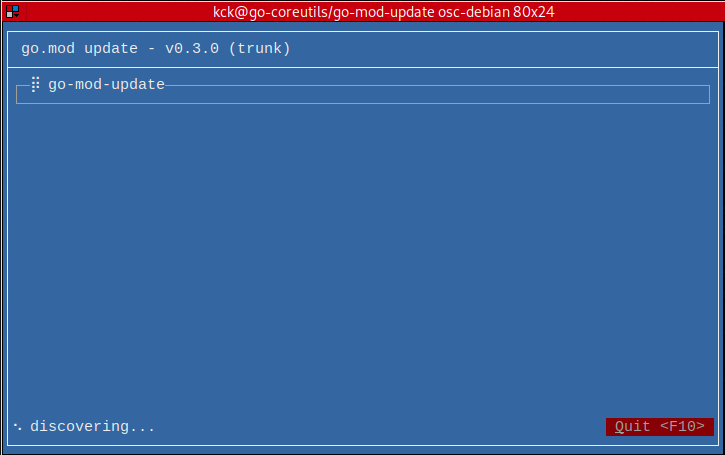
No updates
If there were no pending updates discovered, this is what that looks like:
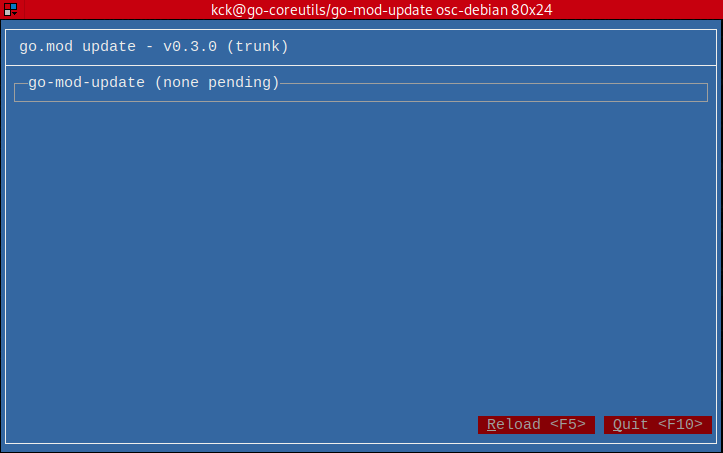
Two pending updates
Given that there aren't any updates pending for the go-mod-update package,
let's rig the go.mod file for demonstration purposes and re-run it.
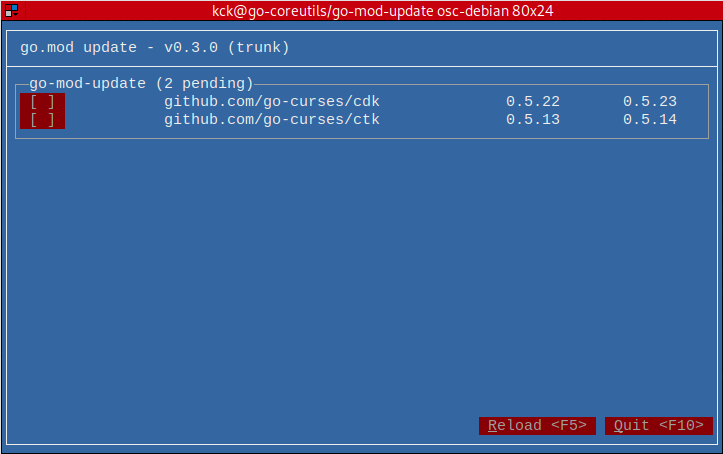
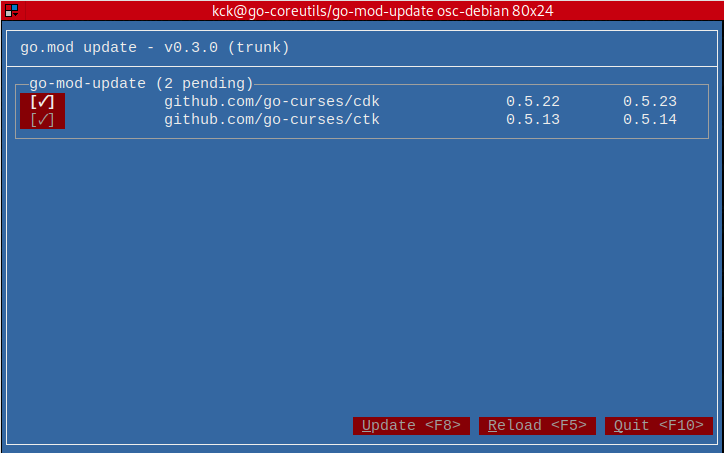
Two updates selected
Here, both updates were selected by clicking on their toggle buttons, which display nice checkmarks.
Two updated
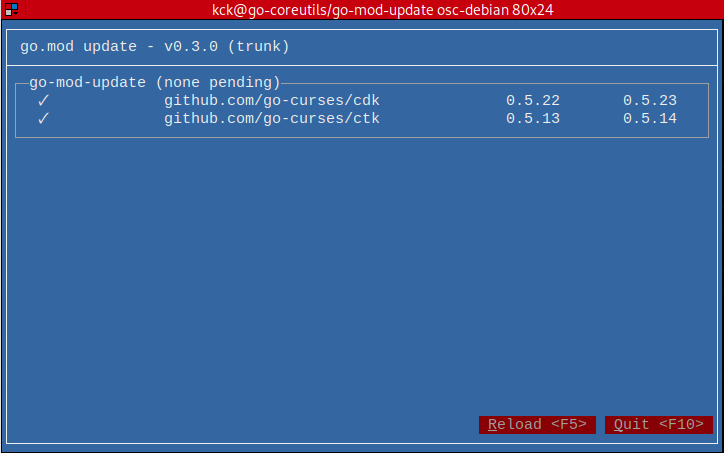
After pressing the Update button each package being updated gets a little
spinner icon instead of the toggle button and when complete, moves on to the
next selected package. This process happened to be too fast to take screenshots
so, the following one is of the screen presented after all updates have
completed.
Post-run
Nothing left to do but Quit (or press <F10>).
If started with the --tidy flag, go-mod-update would have run go mod tidy
too. If not, that needs to be run now that the packages have been updated in the
go.mod file.
That's it!
Conclusion
To see how go-mod-update uses CTK, read the sources at the github repo
or visit the go-docs for a more high-level view. The project layout is
pretty simple.
The actual command binary lives at cmd/go-mod-update and the top-level is
a Go package for doing the actual work of discovery and updating. Everything
under the ui directory is where the CTK stuff lives.
There are a slew of other projects doing the same things as go-mod-update
and some have many useful features that go-mod-update does not do at this
time. This doesn't mean go-mod-update won't be enhanced in the future with
more features like semver highlighting tagged releases versus untagged or
pinning to a specific version.
Enjoy!